How to make Sky Boxes from A-Frame Scenes
Originally published at medium.com
This has now been rewritten with a new faster method based on cubemaps. The original post has been kept for posterity.
UPDATE 2: This can now be done entirely within AFrame:
AFRAME.scenes[0].components.screenshot.capture()
I am working on a page to show off my A-Frame scenes and I want to give the users an immersive preview without loading up the whole scene.
I can do this by loading up a spherical image into an <a-sky> or perhaps set it as the environment in the Samsung VR Browser.
But producing these images usually requires special render rigs in Maya or Blender so are hard to reproduce the exact look from the web.
This script when run on a web page with a A-Frame scene will render out the scene at many (64800) different angles stitch them together into a single image. It’s a bit brute force but it works pretty well.
The bookmarklet
Create a new bookmark with the following url:
javascript:(function()%7Bvar%20width%20%3D%20window.renderTileWidth%20%7C%7C%2010%3Bvar%20dT%20%3D%20window.renderTileAngle%20%7C%7C%201%3Bvar%20sceneEl%20%3D%20document.querySelector('a-scene')%3Bvar%20scene%20%3D%20sceneEl.object3D%3Bvar%20camera%20%3D%20new%20THREE.PerspectiveCamera(%20dT%2C%201%2C%200.1%2C%2010000%20)%3Bvar%20renderer%20%3D%20new%20THREE.WebGLRenderer()%3Bvar%20CONV%20%3D%20Math.PI%2F180%3Bif%20(window.renderOrigin)%20%7Bcamera.position.copy(window.renderOrigin)%3B%7D%20else%20%7Bcamera.position.copy(sceneEl.camera.getWorldPosition())%3B%7Dcamera.rotation.reorder('YXZ')%3Brenderer.setSize(%20width%2C%20width%20)%3Bvar%20canvas%20%3D%20document.createElement('canvas')%3Bcanvas.width%3Dwidth*(360%2FdT)%3Bcanvas.height%3Dwidth*(180%2FdT)%3Bvar%20ctx%20%3D%20canvas.getContext('2d')%3Bfor%20(var%20i%3D0%3B%20i%3C360%3B%20i%2B%3DdT)%20%7Bfor%20(var%20j%3D0%3B%20j%3C180%3B%20j%2B%3DdT)%20%7Bcamera.rotation.set((-j%2B90)*CONV%2C-i*CONV%2C0%20)%3Brenderer.render(%20scene%2C%20camera%20)%3Bctx.drawImage(renderer.domElement%2C%20width*i%2FdT%2C%20width*j%2FdT)%3B%7D%7Dwindow.open(canvas.toDataURL())%2C%20undefined%7D)()
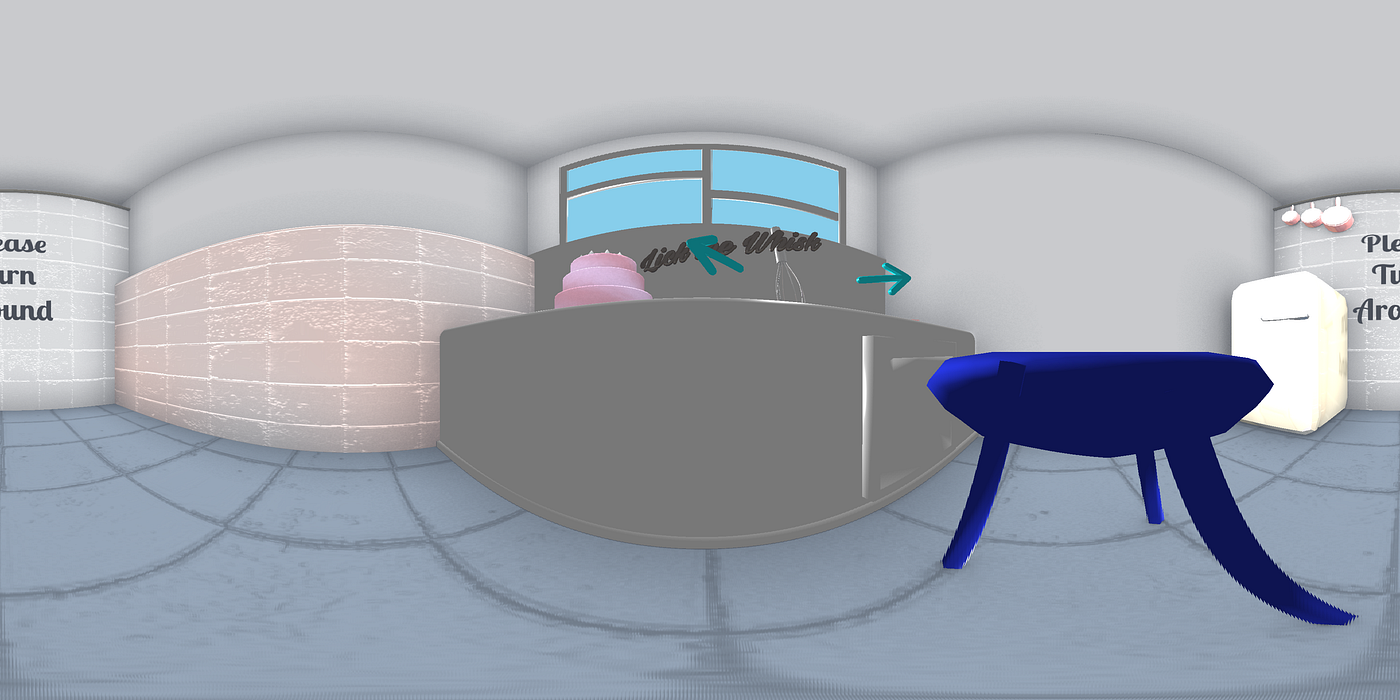
The expanded source code:
var width = window.renderTileWidth || 10;
var dT = window.renderTileAngle || 1;
var sceneEl = document.querySelector('a-scene');
var scene = sceneEl.object3D;
var camera = new THREE.PerspectiveCamera( dT, 1, 0.1, 10000 );
var renderer = new THREE.WebGLRenderer();
var CONV = Math.PI/180;
if (window.renderOrigin) {
  camera.position.copy(window.renderOrigin);
} else {
  camera.position.copy(sceneEl.camera.getWorldPosition());
}
camera.rotation.reorder('YXZ');
renderer.setSize( width, width );
var canvas = document.createElement('canvas');
canvas.width=width*(360/dT);
canvas.height=width*(180/dT);
var ctx = canvas.getContext('2d');
for (var i=0; i<360; i+=dT) {
  for (var j=0; j<180; j+=dT) {
    camera.rotation.set((-j+90)*CONV,-i*CONV,0 );
    renderer.render( scene, camera );
    ctx.drawImage(renderer.domElement, width*i/dT, width*j/dT);
  }
}
window.open(canvas.toDataURL());
Using the bookmarklet
The bookmarklet will render from the scene’s current camera’s position by default.
Once it is done it will open the result in a new window.
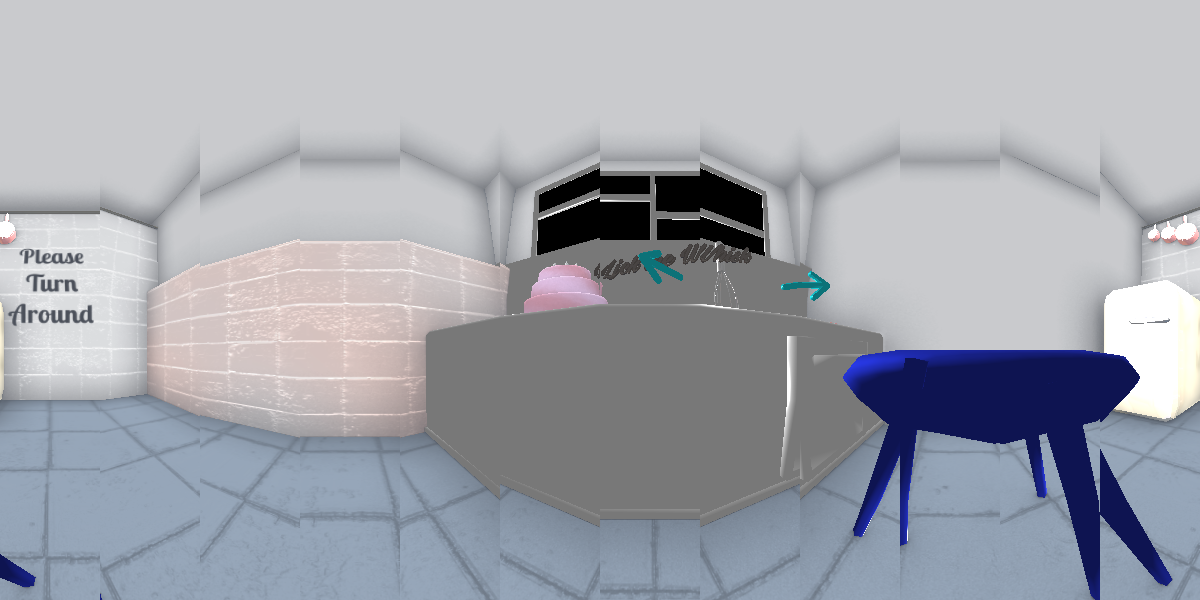
It will render 360x180 10x10 squares this can be tweaked to increase to decrease quality, this very low quality example gives a good idea of how the bookmarklet works.
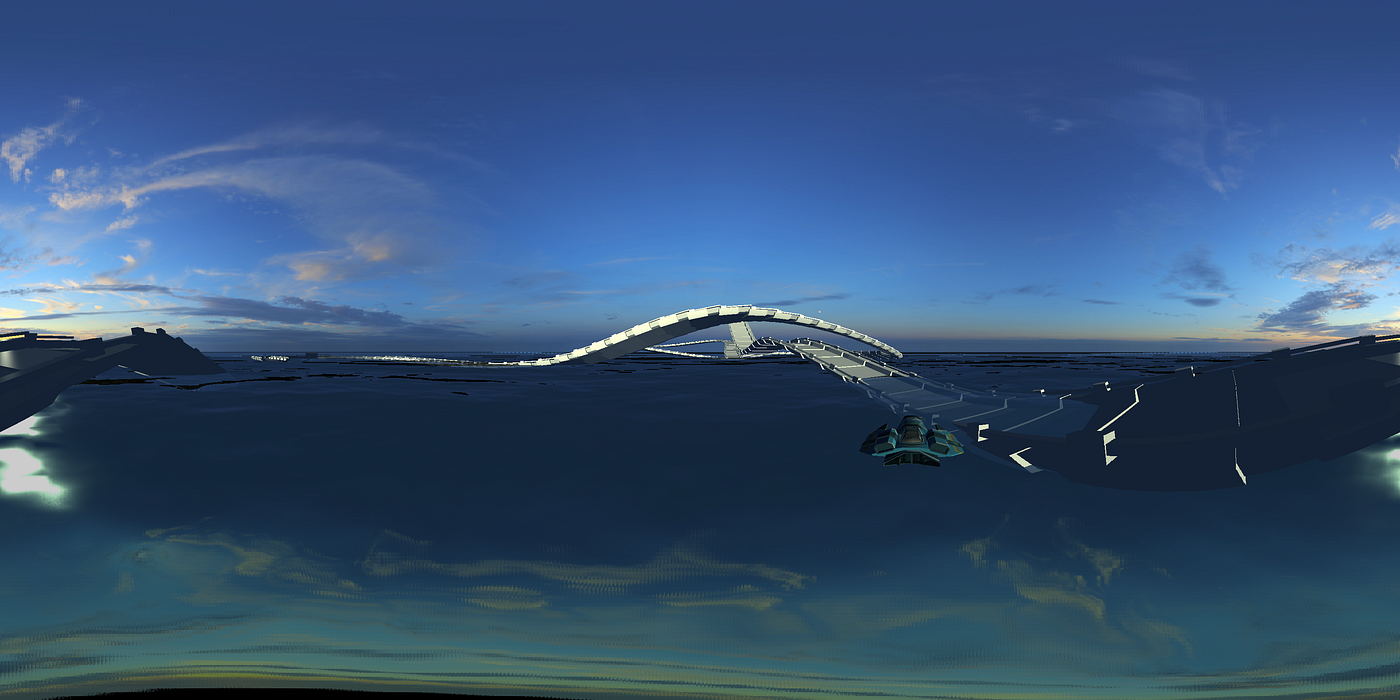
One more from: https://samsunginternet.github.io/a-frame-demos/racer/
Drawbacks
It is a brute force method so can take a while to run. It tends to breakdown at the top and bottom of the scene where the greatest stretch happens. If you have a better/faster method please comment!